No scraping, browser automation, or unofficial account access. Each platform uses its own API.
AdvisorPPC MCP connector
Your ad accounts, ready in the AI you already use.
Connect the ad accounts you already run, then ask for the work in plain language: reporting, audits, and changes you approve. Each platform through its own official API, under your authorization.
 Works with Claude
- Ads and analyticscampaigns, tags, search and social
- Your accountsaccount-scoped OAuth you can revoke
- Read firstfree is Google Ads read-only
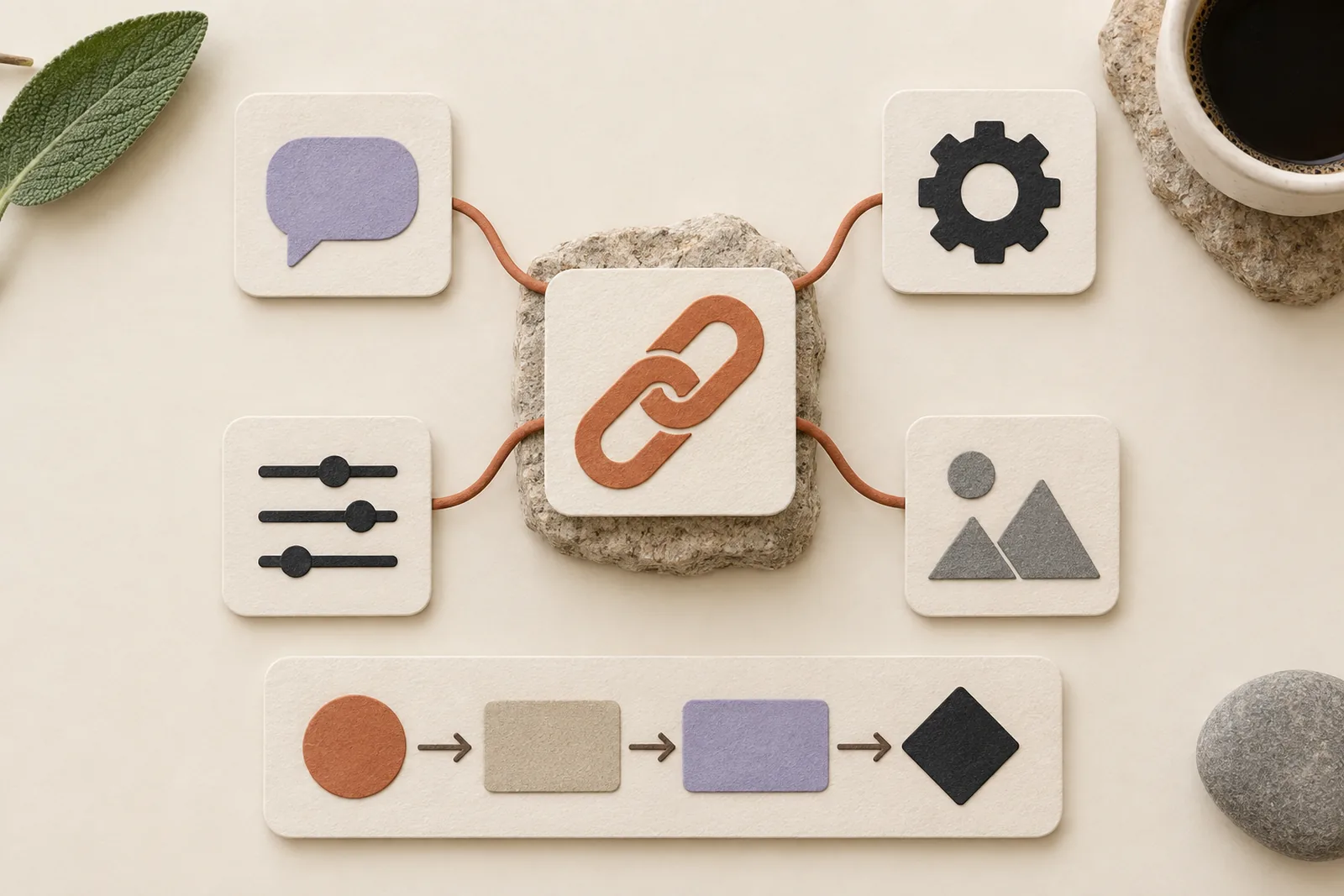
Built around official APIs and your own consent
You connect through official provider APIs and account-scoped OAuth. AdvisorPPC never receives provider passwords. Reads and writes are declared separately.
The AI client connects through OAuth 2.1 with PKCE. Platform access uses each provider's consent screen.
AdvisorPPC never receives Google, Meta, or other platform passwords. You never paste them into an AI client.
Account-changing tools are marked as writes and remain subject to account permissions, entitlement checks and server write-safety controls. Review a proposed action in your AI client before approving it.
Three steps to a working connection
Choose the AI client, add the AdvisorPPC endpoint, then authorize the ad and analytics accounts you want the tools to use.
1. Choose your AI client
Claude, ChatGPT, Cursor, Grok, or another MCP-compatible client. Setup steps differ; the connector is the same product.
2. Connect AdvisorPPC
Paste the hosted remote MCP URL for that client. OAuth opens in the browser. Sign in or create an AdvisorPPC account there.
3. Authorize selected accounts
Connect Google Ads and any other enabled platforms in Settings. Tools only reach accounts the signed-in user authorized.
See the Claude custom connector path
AdvisorPPC is added in Claude as a custom connector. That is the hosted remote MCP URL, then browser OAuth, then reads of accounts you authorized. It is not a native Claude marketplace listing.

Every platform you connect, on one endpoint
Currently enabled: Google Ads, Other tools and workflows, Google Analytics 4, Google Tag Manager, Google Search Console, YouTube and TikTok Ads. Free is Google Ads read-only. Other providers and writes follow your plan. See the full cards on Integrations and each tool on Tools.
Google Ads
12 tools: 12 read and reporting; no tool changes account state.
Other tools and workflows
38 tools: 21 read and reporting plus 17 write and management.
Google Analytics 4
5 tools: 5 read and reporting; no tool changes account state.
Google Tag Manager
4 tools: 4 read and reporting; no tool changes account state.
Google Search Console
5 tools: 5 read and reporting; no tool changes account state.
YouTube
4 tools: 4 read and reporting; no tool changes account state.
TikTok Ads
3 tools: 3 read and reporting; no tool changes account state.
Works with the AI clients you already have
Claude uses Settings, Connectors, Add custom connector. ChatGPT, Cursor, Grok, and other MCP-compatible clients have hosted remote endpoints and setup guides. Treat unverified clients as generic MCP setup guidance, not a guaranteed official integration.
Claude
Add a custom connector, paste the Claude endpoint, then finish OAuth in the browser. Claude registers itself. No Client ID or Secret.
ChatGPT
Use the hosted ChatGPT endpoint as a custom connector. ChatGPT registers itself. Public app-directory availability is separate and is not claimed here.
Grok
Add a custom connector on grok.com and paste the Grok endpoint. Complete OAuth in the browser. This is setup guidance, not an official Grok marketplace listing.
Cursor
Add a custom MCP server in Cursor Settings. This is often local or CLI configuration against the shared hosted /mcp endpoint.
Gemini
Add AdvisorPPC to the Gemini CLI or Code Assist with one command against the shared hosted endpoint. The Gemini consumer app does not take custom connectors today.
Generic MCP client
For MCP-compatible clients that speak remote Streamable HTTP and OAuth 2.1. Guidance only: not a certified integration.
Start free. Paid plans add writes and more surfaces.
Free is Google Ads read-only. Every other provider, and every write tool, needs a paid plan. Plans are billed monthly. Current prices and waitlisted plans are on the pricing page.
Free
Google Ads reporting only. No card required.
Pro
Every Google surface on one plan: Ads, Analytics, Tag Manager, Search Console, and YouTube.
Google Suite
The first paid plan: Google Ads management, including write and optimize tools.
Google + Meta
Every Google surface on one plan: Ads, Analytics, Tag Manager, Search Console, and YouTube.
Google + Meta + TikTok
Every Google surface on one plan: Ads, Analytics, Tag Manager, Search Console, and YouTube.
Max
Every Google surface on one plan: Ads, Analytics, Tag Manager, Search Console, and YouTube.
Agency
Every Google surface on one plan: Ads, Analytics, Tag Manager, Search Console, and YouTube.
Enterprise
Every Google surface on one plan: Ads, Analytics, Tag Manager, Search Console, and YouTube.
Apps that work next to the connector
Three standalone MCP products, each with its own endpoint and a free tier. Add them to Claude, ChatGPT, Cursor or Grok the same way you add AdvisorPPC.
SEO content + lead-gen MCP
Audit sites, plan and draft search content, and capture leads from your AI assistant. 20 MCP tools on a dedicated endpoint.
From $149/mo · free tier available
Click-fraud guard for paid search
Scores every paid click, queues confirmed bad IPs and pushes Google Ads exclusions. Browser collector plus 20 MCP tools.
From $99/mo · free tier available
Measurement and tracking MCP
Buyer-intent scoring, conversion-tracking health audits and confirm-gated server-side GA4 setup on the /tracker endpoint.
From $99/mo · free tier available
Questions before you connect
What is AdvisorPPC?
A remote MCP connector that lets a supported AI assistant call official advertising and analytics APIs for accounts you authorize. It is not the AI model itself.
What does the Free plan include?
Google Ads read-only reporting. Analytics, Tag Manager, Search Console, YouTube, Facebook and Instagram, TikTok, and every write tool require a paid plan first. LinkedIn is not enabled in this release.
Which AI clients can I use?
Claude uses Settings, Connectors, Add custom connector. ChatGPT, Cursor, Grok, and other MCP-compatible clients have hosted endpoints and setup guides. We do not claim unsupported native marketplace listings.
Do I paste platform passwords into the AI client?
No. OAuth opens in the browser. AdvisorPPC never receives provider passwords, and you should never paste them into chat.
Where do I get help?
Email support@advisorppc.com or use the support page. Include any reference code from an error screen.
Create an account and connect your first client.
Free is Google Ads read-only. No card required. Setup guides cover Claude, ChatGPT, Cursor, Grok, and generic MCP clients.